
Showing posts with label lighting. Show all posts
Showing posts with label lighting. Show all posts
Monday, April 19, 2010

Monday, April 12, 2010
White Balance
Do you remember your film pictures that you took at your cousin Grace's wedding reception about 22 years ago? You know, the ones that you used your camera's flash to light up faces with. They're the ones with white faces, but everything in the background is orange.
This is a white balance problem. White Balance has to do with the color of light coming into your camera. Daylight is very white, and florescent lights are green, and lightbulbs are orange, while outdoor shade is blue. Each of these colors of light must be dealt with or the pictures won't look quite right.
With Film, we either have to buy film specifically made for the color of light (daylight is the default), or we can counter it with filters on the front of the lens--blue filter counters orange light, pink counters green. Fortunately, in the digital world our cameras can adjust to the light without physical filters.
Unfortunately, your camera's default setting is "Automatic". This usually renders skin tones cooler than I prefer. Look for the White Balance setting on your camera, sometimes just WB. This adjustment alone will make your pictures look better immediately.
For this image, I had some trouble. There were regular old G.E. incandescent (tungsten) lightbulbs lighting the back of the shop to camera left, and large windows to camera right. The sun was not shining directly in the windows, so the light coming in is coming from the blue sky, which means it's very blue light.
So, this would be a very mixed up set up for white balance. I solved the problem by "gelling" my flash. This means I put a gel, a colored piece of transparent plastic, on my flash to match the color of the lightbulbs. This still doesn't solve the blue light from the window problem, though.
When using a flash, shutter speed controls how much ambient light is allowed to affect the exposure. Faster speed, less ambient light. The flash is fast, so it keeps up with a fast shutter speed without trouble.
The result is that the light making the exposure is almost all from the flash. there's a little bit coming from the lamp above the bench, but only because we're looking almost right at the bulb itself.
Besides the gel, I also put a diffusion dome on the flash, and shot it through my Zumbrella (though you can get the same one at a better value here). The flash is to camera right, triggered with the Nikon CLS system (that's the real reason I use Nikon).

This is a white balance problem. White Balance has to do with the color of light coming into your camera. Daylight is very white, and florescent lights are green, and lightbulbs are orange, while outdoor shade is blue. Each of these colors of light must be dealt with or the pictures won't look quite right.
With Film, we either have to buy film specifically made for the color of light (daylight is the default), or we can counter it with filters on the front of the lens--blue filter counters orange light, pink counters green. Fortunately, in the digital world our cameras can adjust to the light without physical filters.
Unfortunately, your camera's default setting is "Automatic". This usually renders skin tones cooler than I prefer. Look for the White Balance setting on your camera, sometimes just WB. This adjustment alone will make your pictures look better immediately.
For this image, I had some trouble. There were regular old G.E. incandescent (tungsten) lightbulbs lighting the back of the shop to camera left, and large windows to camera right. The sun was not shining directly in the windows, so the light coming in is coming from the blue sky, which means it's very blue light.
So, this would be a very mixed up set up for white balance. I solved the problem by "gelling" my flash. This means I put a gel, a colored piece of transparent plastic, on my flash to match the color of the lightbulbs. This still doesn't solve the blue light from the window problem, though.
When using a flash, shutter speed controls how much ambient light is allowed to affect the exposure. Faster speed, less ambient light. The flash is fast, so it keeps up with a fast shutter speed without trouble.
The result is that the light making the exposure is almost all from the flash. there's a little bit coming from the lamp above the bench, but only because we're looking almost right at the bulb itself.
Besides the gel, I also put a diffusion dome on the flash, and shot it through my Zumbrella (though you can get the same one at a better value here). The flash is to camera right, triggered with the Nikon CLS system (that's the real reason I use Nikon).

Saturday, April 3, 2010
Most Powerful Light in your Bag
Here's a great little article on Tripods. Strobist.com is a great place to keep up on lighting techniques using flashes of all sizes.
Tuesday, March 9, 2010
Man, I love airplanes
Let me know if you ever hear of an airliner for sale--it'd make a great studio. The bright light from the near window with the opposite windows for fill light...it's excellent. Throw in a willing seat mate, and you've got the start to a great trip.
 See you at the Studio--if they get their homework done, we may have some great models to work with.
Nikon D90, 50mm lens, f/4.0, 1/50s, ISO 200

Nikon D90, 50mm lens, f/4.0, 1/50s, ISO 200
Tuesday, February 16, 2010
Wednesday's Class
Don't forget, we're at The Studio this week...and we got a new sign!
Also, remember that we're getting crazy with lights this week. We may need some makeup, and mohawks and anything funky you can think of. We'll spend much more time composing a single setup as a class. We'll come away with fewer images that are hopefully of a higher quality. We'll see...
Oh, and I'll do my best to be there by 4:30; so if you're available, come on by a little early.

Also, remember that we're getting crazy with lights this week. We may need some makeup, and mohawks and anything funky you can think of. We'll spend much more time composing a single setup as a class. We'll come away with fewer images that are hopefully of a higher quality. We'll see...
Oh, and I'll do my best to be there by 4:30; so if you're available, come on by a little early.

Sunday, November 8, 2009
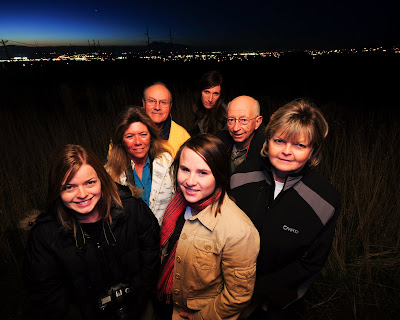
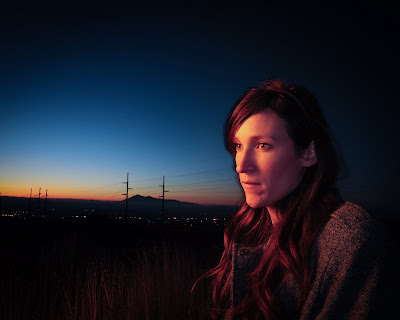
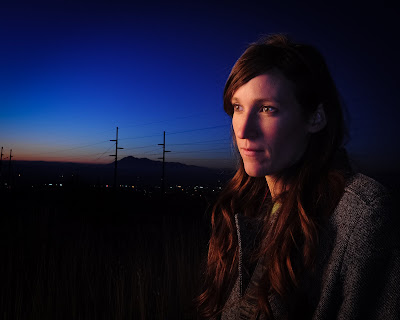
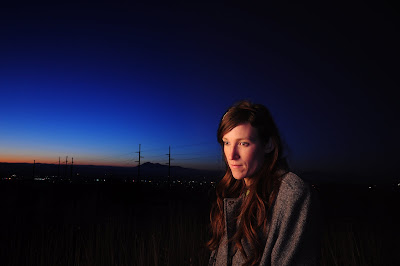
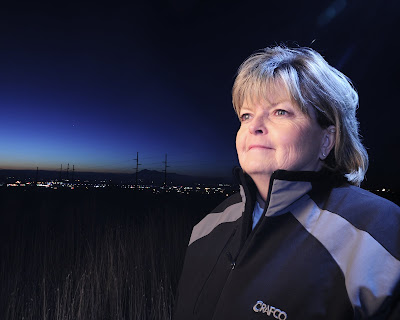
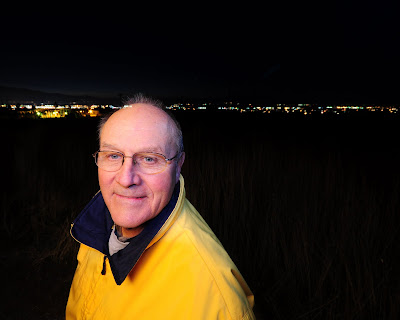
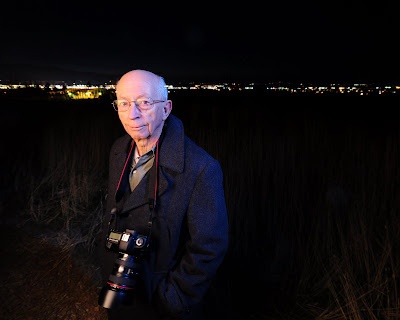
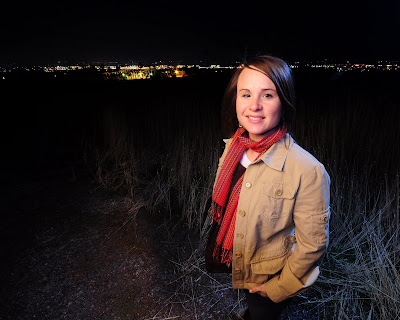
Wednesday's Portraits
These are full size jpgs, so feel free to download and work on them yourself. All my adjustments here were doing using Lightroom 3.
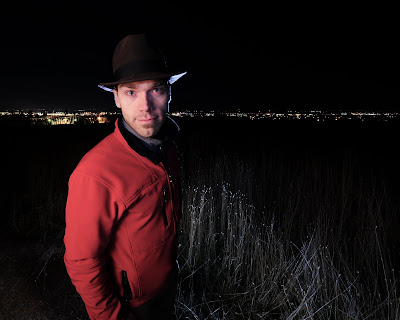
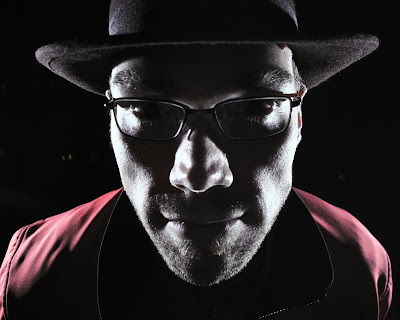


Monday, November 2, 2009
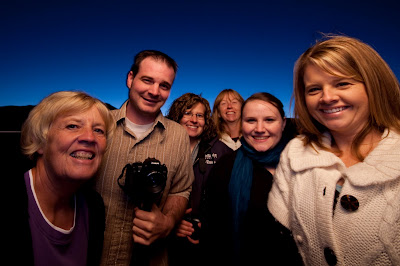
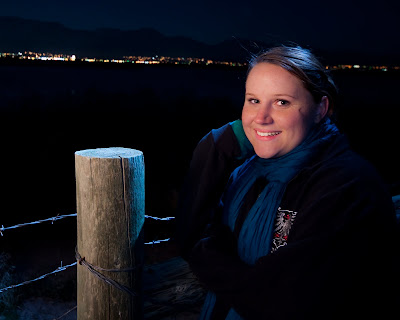
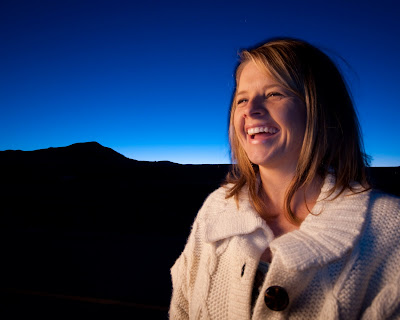
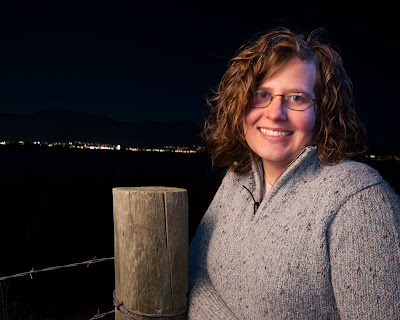
Monday's Landscapes...Psych!
We went out to shoot landscapes for class tonight...as if I could stay away from portraits for very long!
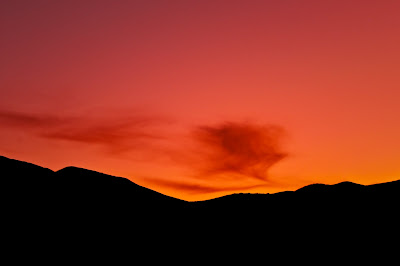

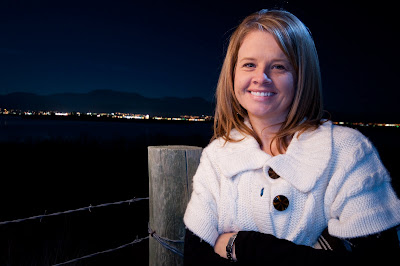



Sunday, October 18, 2009
How's it Done?

Days are getting short, and pretty soon our day jobs will keep us indoors until the sun is already set: we're going to have to get creative through the winter.
See, if you let your language skills get rusty over the winter then you're going to have to relearn a whole lot of stuff and that's demotivating and frustrating. Keep your Langauge of Light skills up! Keep on conversing!
So, here's an attempt tonight to keep my inner creative going even though I couldn't get out for a walk with the sun. How's it done? Leave comments with your answer--camera settings, creation process, etc.--and extra credit to everyone who gets it right...don't think too long about the credit thing, just figure out the picture...
Subscribe to:
Posts (Atom)